Digital art guide
Can You Frame a Digital Art Print?
Digital art is made to be printed and framed. The important decisions are file size, color, paper surface, crop and the frame that gives the work enough room to read.
01
Prepare the file for the final size
Choose the finished print size before exporting. Match the file’s aspect ratio to the paper or plan a border and mat so the artwork is not stretched or awkwardly cropped.
Keep the original layered file and export a print copy separately. Check small type, fine lines and pale colors at the intended size because those details often change the most when printed.
02
Choose paper that supports the style
Matte paper suits illustrations, drawings and soft color. Lustre can add a little depth to photographic or highly saturated work. Glossy paper is more reflective and needs a wall position that controls glare.
If the piece is part of an edition, keep paper, size and color treatment consistent across reprints.
03
Frame the art, not the screen
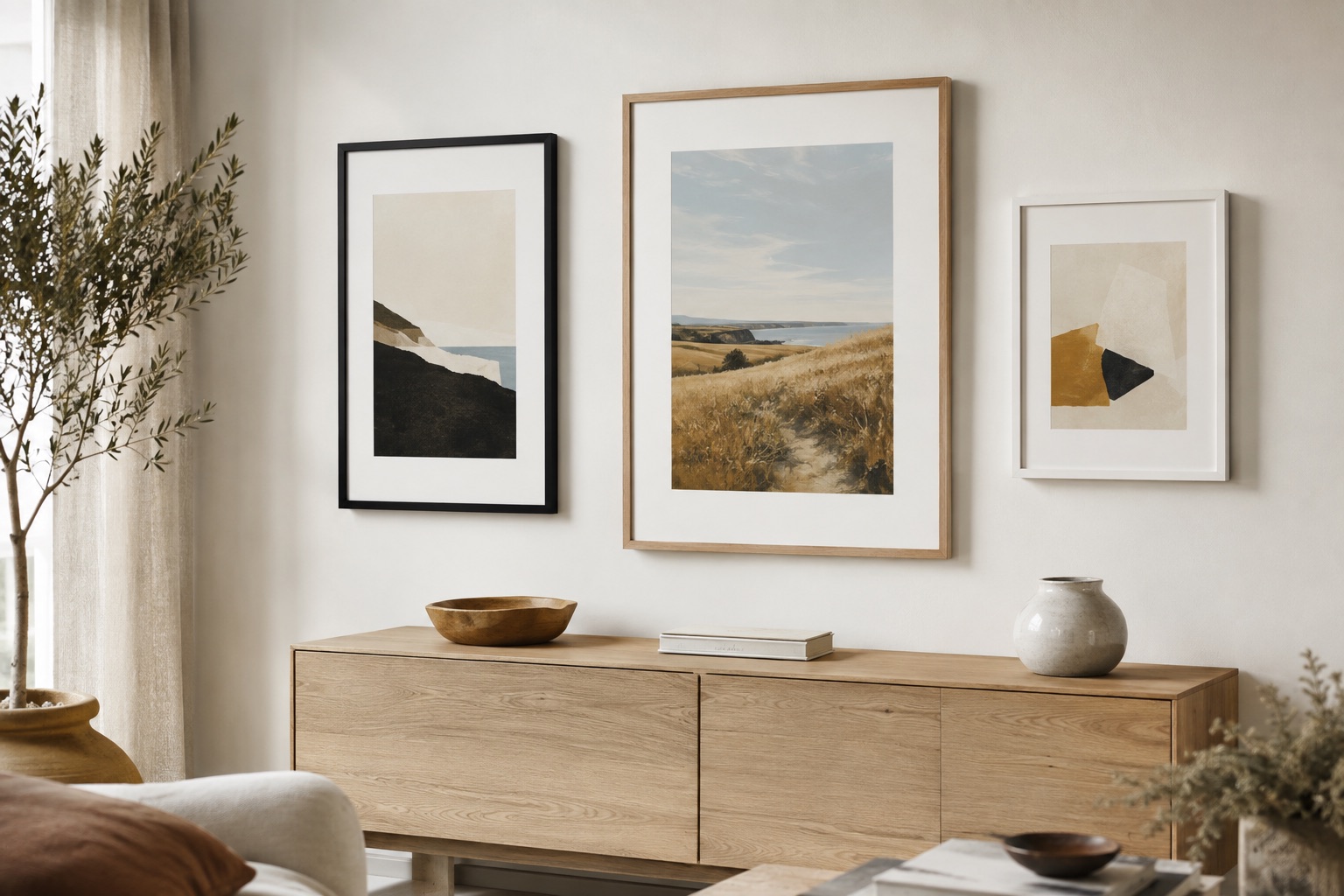
A mat can create an intentional transition between the digital artwork and the moulding. Choose matte black for graphic work, natural wood for organic palettes and a white profile when the room should feel especially light.
See it before you order
Put the advice into a real frame.
Upload your picture, compare frame profiles and mats, and check the finished proportions before you commit.
Open the frame builderCommon questions
What file format is best for a framed digital art print?
Use the highest-quality export your workflow supports, with the correct dimensions and color settings for the printer. Keep the original file so you can make a new size later.
Should digital art be framed with a mat?
Often, yes. A mat gives the print breathing room and helps the piece feel like artwork, but edge-to-edge graphic designs may look better without one.