Print troubleshooting
Why Do Colors Look Different When Printed?
A screen emits light while a print reflects it, so the same file can look different in each place. Paper, ink, color profile and room lighting all affect the final appearance.
01
Screens and paper make color differently
A bright screen can show more luminous highlights and saturated colors than paper can reflect. The viewing environment changes the comparison again, especially under warm lamps or direct window light.
Matte, lustre and glossy surfaces also change contrast and saturation. Choose the paper based on the room and image rather than assuming one finish is always more accurate.
02
Use a controlled workflow
Start with the original file, avoid repeated exports and keep the intended print size in mind. If color matching is critical, use a calibrated display and a proof from the same paper family.
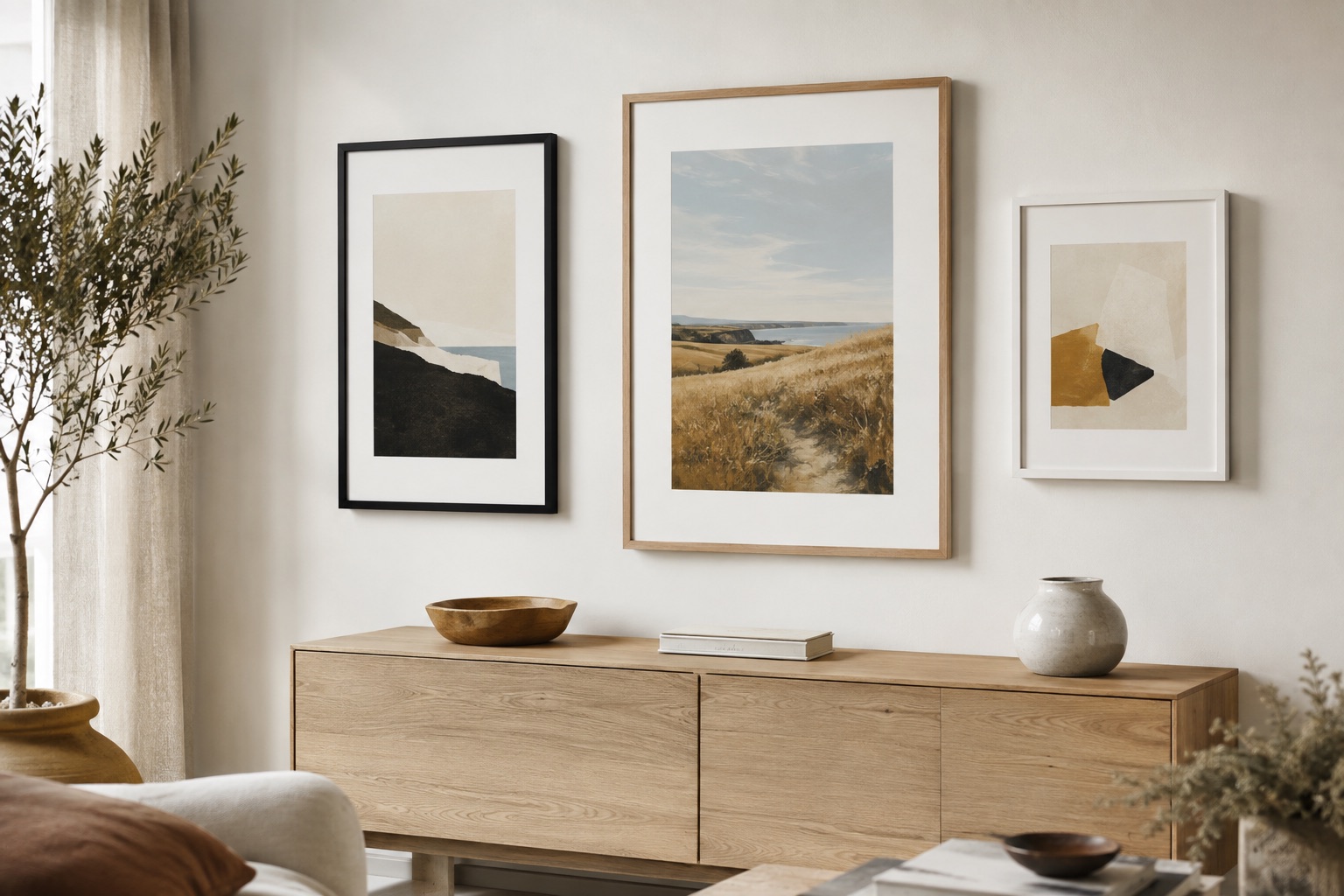
A consistent frame, mat and glazing choice can make a collection feel cohesive even when the images came from different cameras or lighting conditions.
See it before you order
Put the advice into a real frame.
Upload your picture, compare frame profiles and mats, and check the finished proportions before you commit.
Open the frame builderCommon questions
Why is my print less bright than my screen?
A screen emits light while a print reflects room light. Lower the screen brightness during comparison and judge the print in its intended room.
Does paper finish change photo color?
Yes. Glossy, lustre and matte surfaces reflect light differently and can change perceived contrast, saturation and shadow detail.