Photo printing guide
How to Print iPhone Photos in Large Sizes
Modern iPhones can create files suitable for framed wall art, but the best size depends on the original camera mode, crop, focus and lighting. Start with the full-resolution file in your photo library.

01
Use the original file from Photos
Avoid screenshots, message attachments and social downloads. Use the original item from your photo library and check its pixel dimensions in the details view.
Night photos and motion can look fine on a phone but reveal noise or softness when enlarged. Inspect the subject and edges before committing to a large print.
02
Choose the crop and frame together
Phone photos may be 4:3, 16:9, square or a portrait crop. Select a print size that respects the ratio or crop deliberately in the preview.
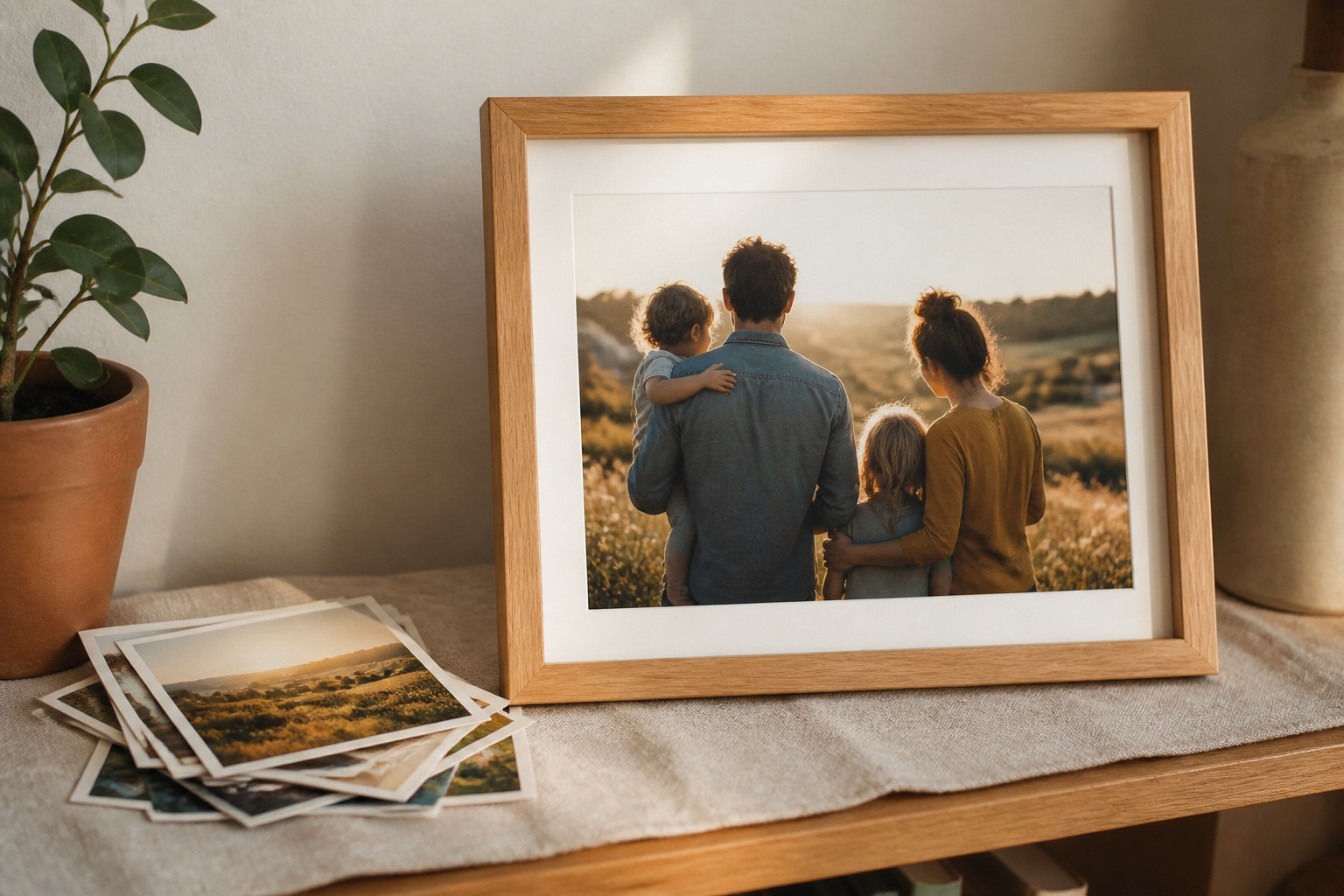
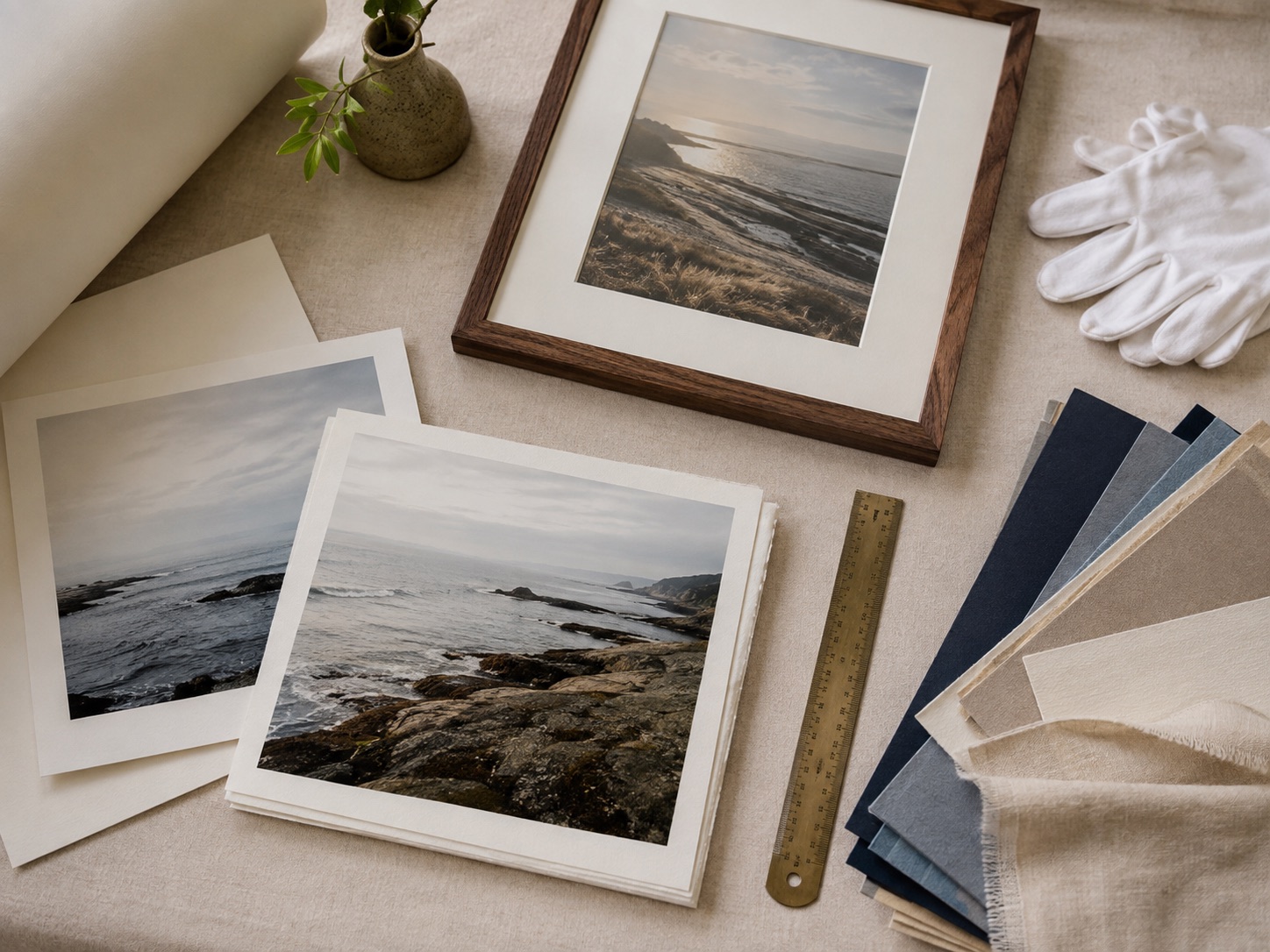
A mat can give a phone photograph a more finished presentation and help it sit comfortably inside a standard frame size.
See it before you order
Put the advice into a real frame.
Upload your picture, compare frame profiles and mats, and check the finished proportions before you commit.
Open the frame builderCommon questions
Can an iPhone photo be printed at 16×20?
Often, yes, if you use the original file, the image is sharp and the crop is suitable. Check the effective resolution before ordering.
How do I print an iPhone photo without losing quality?
Use the original full-resolution file, avoid screenshots and compressed downloads, and choose a finished size that matches the file’s pixels.