Print quality guide
How to Upscale a Photo for Printing
Upscaling can make a small file usable at a larger print size, but it cannot recreate detail that was never captured. Start with the original and enlarge only as far as the subject still looks natural.
01
Find the best source first
Look for the original camera or phone file before using a screenshot, social download or image from a messaging app. Each re-save can reduce detail and add compression artifacts.
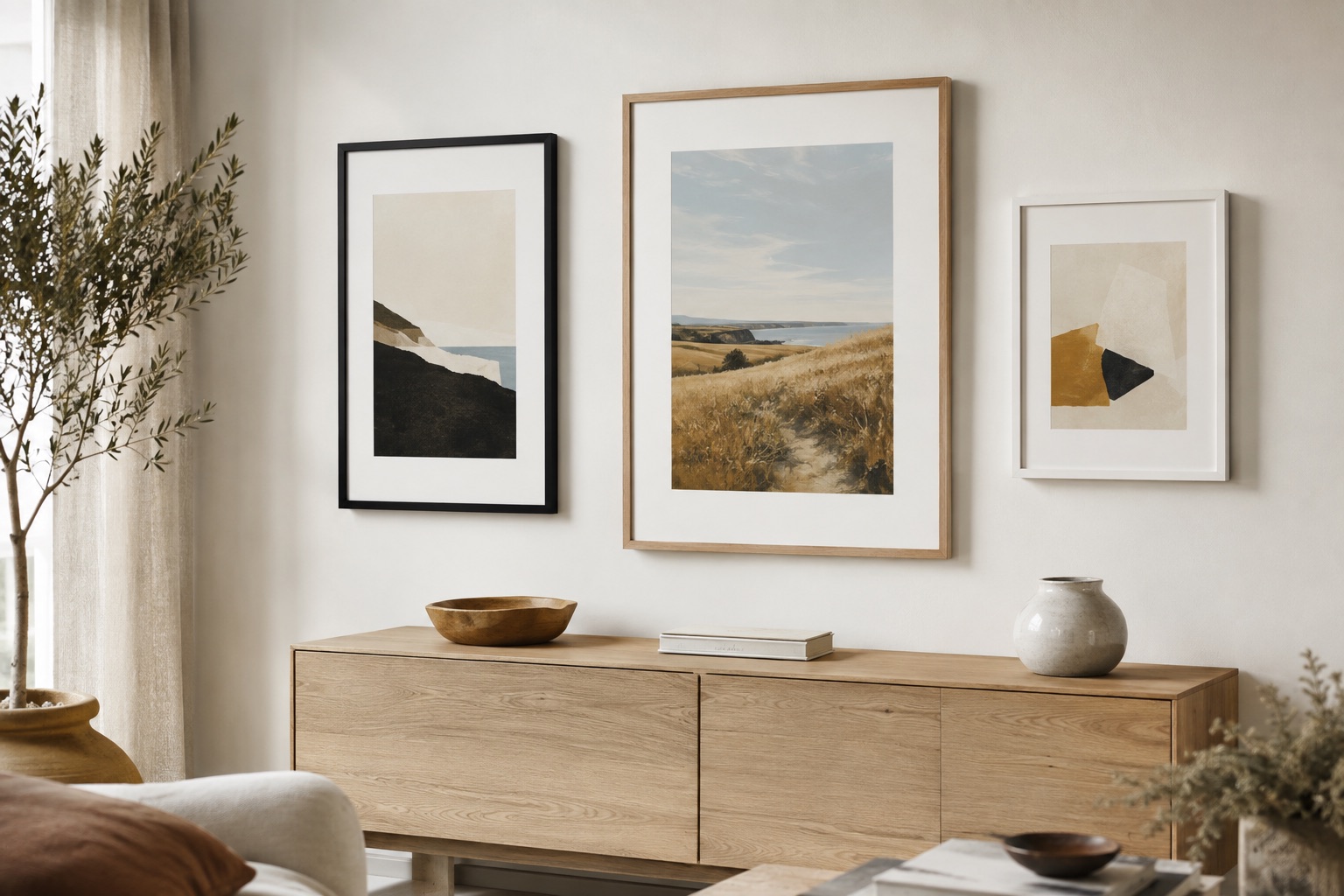
If the original is unavailable, choose a smaller finished print or a subject that tolerates a softer presentation. A mat and frame can make the result feel intentional, but they do not sharpen the source.
02
Inspect the enlargement at print scale
View eyes, hair, text, foliage and hard edges at the size you plan to order. AI enlargement can help with some files, but it may invent texture or halos around contrast lines.
Keep the crop conservative and use the frame-fit checker before choosing a large size. When in doubt, order a smaller print or a proof first.
See it before you order
Put the advice into a real frame.
Upload your picture, compare frame profiles and mats, and check the finished proportions before you commit.
Open the frame builderCommon questions
Can I turn a low-resolution photo into a large print?
Sometimes, but the result depends on the original focus and pixel dimensions. A smaller print is safer when the enlarged details look artificial or soft.
Does AI upscaling make a photo print-ready?
It can improve some files, but it cannot guarantee faithful detail. Inspect the enlargement carefully, especially around faces, text and sharp edges.